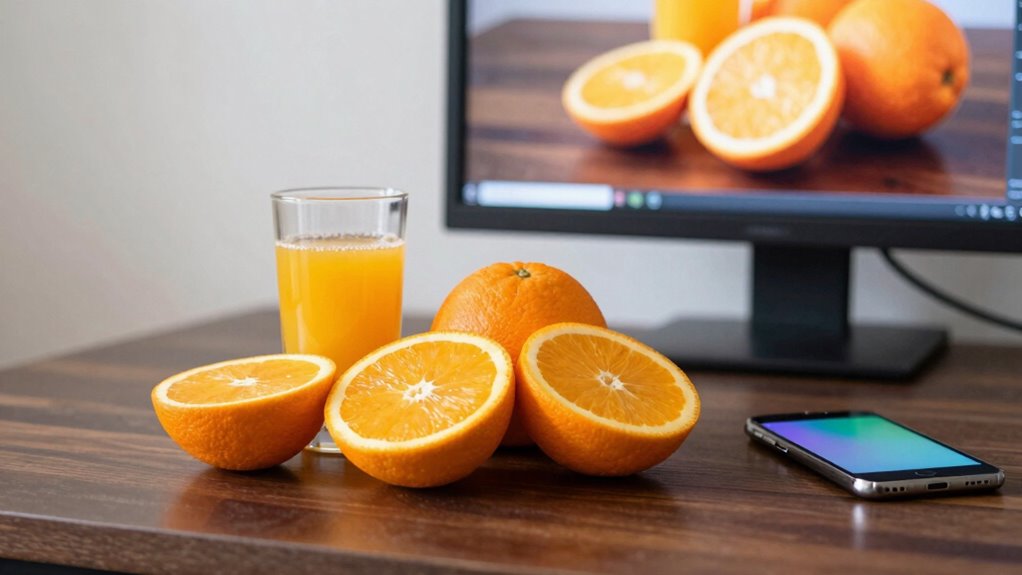
When you view your juice photos on phones, the colors often look different because your monitor isn’t calibrated. Uncalibrated screens can distort hues, making reds look dull or oranges muted, which isn’t how they appear in real life. Phones and other devices interpret color data differently, causing these discrepancies. Regularly calibrating your monitor guarantees it displays accurate, vibrant colors, so your photos look consistent across all screens. Keep going to discover how calibration can bridge this color gap.
Key Takeaways
- Uncalibrated monitors can display colors inaccurately, causing photos to look different when viewed on phones.
- Phones and tablets interpret colors differently due to varying display technologies and color profiles.
- Photos edited on uncalibrated monitors may lose vibrancy or shift in hue when seen on calibrated or different devices.
- Lack of calibration leads to color drift over time, affecting how juice photos appear across screens.
- Regular calibration ensures consistent color representation, reducing discrepancies between your monitor and phones.
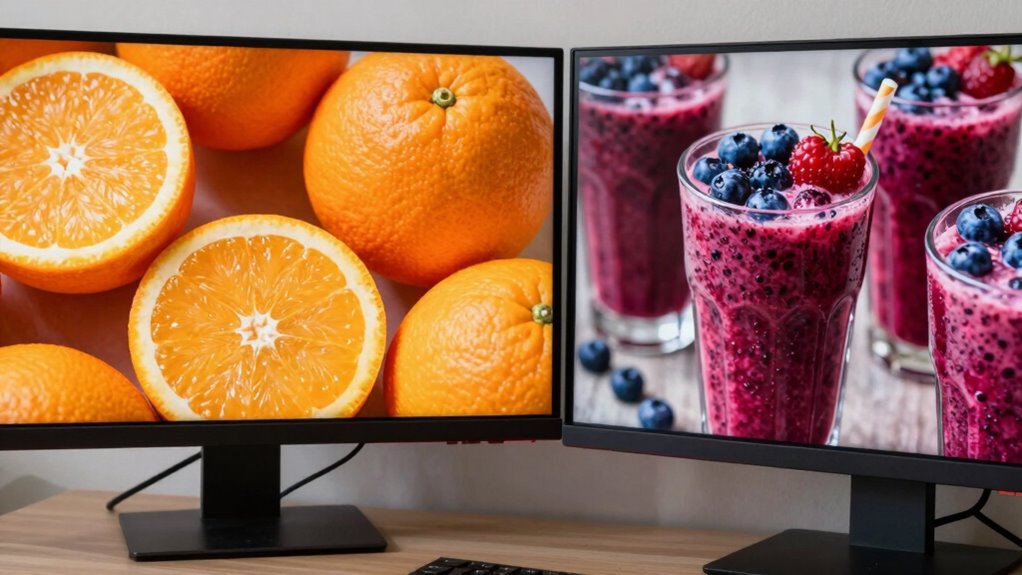
A color-calibrated monitor guarantees that what you see on screen accurately reflects real-world colors, which is vital for professionals in photography, design, and video editing. When your monitor isn’t properly calibrated, the colors you view are distorted, leading to inaccuracies in your work and frustrations when sharing images. This is where monitor calibration becomes essential. By calibrating your display, you align the monitor’s output with standardized color profiles, ensuring consistent color accuracy across different devices and media. Without it, your carefully edited photos may look perfect on your screen but appear completely different on someone else’s device. Regular calibration also helps counteract display drift, which can occur over time due to aging or environmental factors, ensuring ongoing color fidelity. You might wonder why your vibrant juice photos look dull or off when viewed on your phone. The answer lies in how different devices interpret color data. Phones, tablets, and other consumer electronics often have varying display technologies, color gamuts, and calibration settings. If your photo editing monitor isn’t calibrated, you’re fundamentally working with an inaccurate color reference. When you transfer those images to your phone, they get remapped based on the device’s capabilities, which can cause colors to shift dramatically. Bright reds might turn pinkish, oranges could look muted, and the overall vibrancy suffers. That’s because your display’s color accuracy isn’t aligned with standard color profiles, leading to discrepancies. To avoid this, you should regularly perform monitor calibration. This process adjusts the monitor’s color output, gamma, and brightness, so what you see is true to the original scene or subject. When your monitor is properly calibrated, the colors in your juice photos are represented as accurately as possible, making your edits more reliable. This means you can trust that the rich reds, the vibrant oranges, and the subtle color nuances are preserved when sharing or printing. It also minimizes surprises when your images are viewed on other calibrated devices or in print, where color fidelity is even more critical. Keep in mind that calibration isn’t a one-time task. Displays drift over time due to aging or ambient lighting conditions. Regular re-calibration guarantees your monitor maintains best possible color accuracy, so your juice photos look just as appealing across all screens. Ultimately, understanding the importance of monitor calibration helps you produce consistent, true-to-life images, reducing the gap between what you see on your screen and how others perceive your work on their devices.
Frequently Asked Questions
How Do I Choose the Best Color Calibration Tool for My Monitor?
You should choose the best color calibration tool by considering your budget, monitor type, and calibration needs. Look for reliable monitor calibration devices that are easy to use and offer accurate results. Read reviews and compare features, ensuring compatibility with your monitor. Opt for tools that provide consistent color accuracy, especially if you’re editing photos. A good calibration device helps you achieve true-to-life colors, making your juice photos look great everywhere.
Can Calibration Improve My Monitor’s Color Accuracy Over Time?
Sure, monitor calibration can actually improve your monitor’s color accuracy over time—who knew? As you regularly calibrate, you enhance color consistency, making sure your photos look true to life on your screen. Think of it as a daily tune-up for your display, preventing drift and ensuring that your colors stay consistent, so your juice photos remain vibrant and accurate, no matter how long you’ve been editing.
Why Do Colors Appear Different After Calibration on Various Devices?
Colors appear different after calibration because of device discrepancies and varying color management settings. Each device has its own display technology, which affects how colors are rendered, even after calibration. You need to guarantee consistent color management across all devices, using calibration tools and color profiles. This helps minimize discrepancies, but some variation remains due to inherent differences in screens, so always check your images on multiple devices for accurate color representation.
Is Professional Calibration Necessary for Casual Photography Enthusiasts?
Professional calibration isn’t necessary for casual photography enthusiasts. While calibration improves color accuracy, it’s mainly beneficial if you want consistent, true-to-life images across multiple devices or for printing. For everyday sharing or social media, your phone’s display is usually sufficient. Focus on capturing good shots first; calibration becomes more important if you’re aiming for precise color reproduction or working on professional projects.
How Often Should I Recalibrate My Monitor for Consistent Color?
You should recalibrate your monitor every 4 to 6 weeks to maintain consistent color, especially if you notice color shifts. Keep an eye on monitor refresh rates and ambient lighting, as changes in these can affect how colors appear. Regular calibration guarantees your juice photos stay accurate across devices. Adjusting for ambient light and maintaining steady refresh rates helps keep your monitor’s color output reliable and true to life.
Conclusion
So, next time your juice photos look off on your phone, remember that only about 8% of monitors are properly calibrated. That tiny fraction can make a big difference in how your images appear across devices. By investing in a color-calibrated monitor, you guarantee your photos look just as vibrant and accurate on every screen. Don’t let inconsistent colors ruin your shots—calibration is the key to flawless, professional-looking images every time.